Contrast
Text

Tag: linux

  • I Did It, It Is Done – My Final Shift Into CHROME OS

    I Did It, It Is Done – My Final Shift Into CHROME OS

    Alright, tech aficionados, gather ’round! I’ve just executed a major OS migration, a digital leap of epic proportions! πŸš€

    Operation: Windows Exodus is a GO!

    Yes, you heard it right! I’ve performed a clean uninstall of the Windows paradigm from my daily driver experience. The digital curtains have dropped, the proverbial “blue screen of sadness” is banished, and a new era dawns! πŸŒ…

    The Great System Audit: A Deep Dive into My Digital Ecosystem πŸ”

    For weeks, nay, months, I’ve been running a rigorous analysis of my computational needs. With a fleet of three devices at my disposal, I embarked on a journey of self-discovery: “Which OS truly resonates with my workflow? Which platform delivers the optimal user experience?” After meticulous data collection and analysis (read: staring intensely at screens), a clear winner emerged. πŸ†

    Farewell, Windows! Initiating Chrome OS Protocol! πŸ’»βž‘οΈπŸŒ

    For a significant portion of my digital existence, Windows has been my primary operating system, a stalwart companion in the realm of personal computing (save for that brief, experimental phase with macOS). However, the allure of Chrome OS, with its streamlined interface, intuitive functionality, and cloud-centric architecture, proved irresistible. πŸ’–

    Let’s face it: my once-beloved Windows rig was languishing, a relic of a bygone era. Usage logs revealed a startling truth: a mere three brief encounters in the past six months! It was time to pull the plug. πŸ”Œ

    Windows, you will always hold a sentimental place in my digital history, but my needs have evolved. I crave a lean, mean, computing machineβ€”a system that “just works,” without the bloat and overhead of legacy platforms. πŸ€–

    No more wrestling with antivirus software, deciphering convoluted file storage hierarchies, or navigating the treacherous waters of inconsistent cloud synchronization. The days of OneDrive vs. Google Drive are over! βš”οΈ

    Engaging Chrome OS: A Quantum Leap in User Experience! ⚑

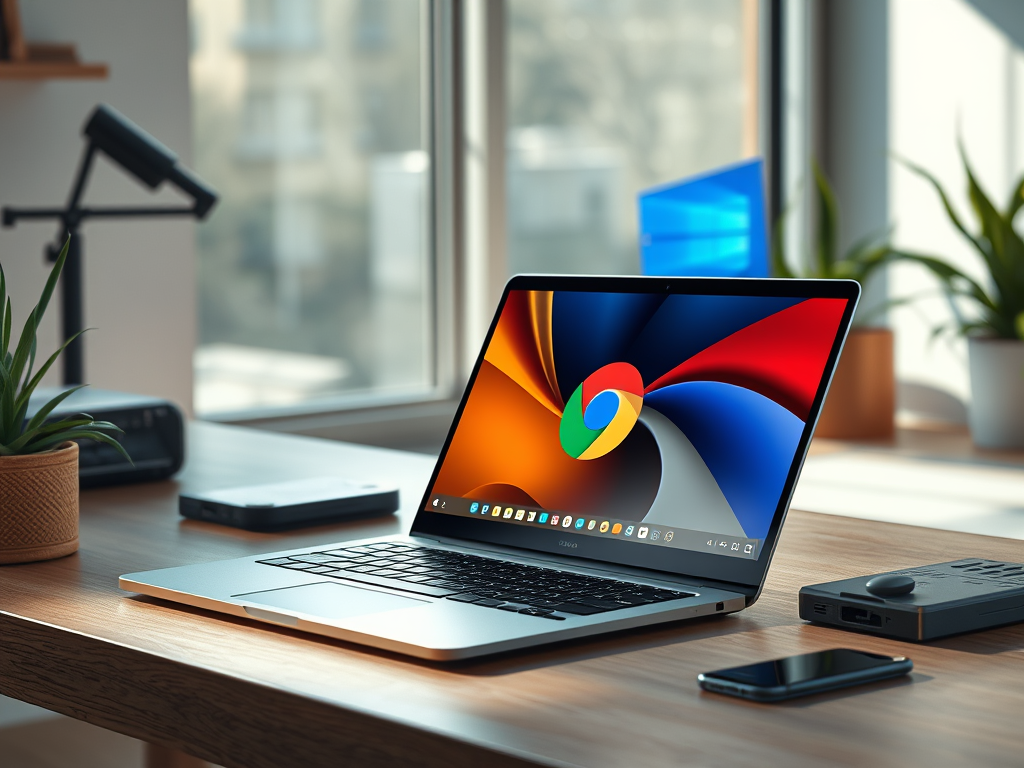
    I’ve embraced the Chrome OS ecosystem, a paradigm shift towards a more efficient, secure, and cloud-integrated computing experience. The sleek, minimalist interface of my new Chrome OS laptops is a breath of fresh air, a testament to the power of streamlined design. 🌬️

    This isn’t just a switch; it’s a strategic upgrade. It’s about optimizing my workflow, maximizing my productivity, and embracing the future of computing. Join me on this exciting journey into the realm of Chrome OS! πŸš€βœ¨

  • My Screen Reader Experience: A World of Choices

    My Screen Reader Experience: A World of Choices

    For years, JAWS (Job Access With Speech) was the screen reader in North America, alongside the built-in VoiceOver on macOS. Then came NVDA, shaking things up. Finally, we have the ubiquitous ChromeVox, the built-in screen reader on all Chrome OS devices. Let’s explore my experiences with each, considering their platforms and target users.

    JAWS: Sink or Swim?

    This shark-themed screen reader was one of the first on Windows. I remember it running on DOS/Windows 3.1 as a separate piece of hardware – talk about ancient history! Today, you can download it… after paying a hefty price. Last I checked, a license cost around $1,000 Canadian, not including updates.

    Personally, I found JAWS incredibly frustrating. It always seemed slower than me, struggling to keep up with my typing and lagging during simple tasks. I later realized it’s a resource hog, demanding massive amounts of RAM. While they recommend 4GB, I’d suggest nothing less than 8GB, preferably 12GB. Anything less leads to lag, slowdowns, and crashes.

    VoiceOver: A Breath of Fresh Air

    Just as I was about to give up on JAWS, I discovered VoiceOver thanks to the iPhone. I fell in love with its ease of use, clean functionality, and ability to keep pace with me. This led me to buy a Mac. I lived in the Apple ecosystem for several years during university, using a MacBook Air and a MacBook Pro. It was incredibly liberating to use a system that thrived on 8GB of RAM, felt fast and responsive, and rarely crashed. VoiceOver on Mac was, and still is, one of my favorite screen readers.

    NVDA: Free, Adaptable, and Flexible

    NVDA is FREE! This amazing open-source software is flexible, adaptable, and highly functional, and it won’t break the bank. They do accept donations, and you can choose how much (or nothing) to give.

    NVDA breathed new life into Windows for me. It’s fast, responsive, adaptable, and smoother than JAWS. Dare I say it’s the Windows equivalent of VoiceOver? I’ve been using NVDA on my personal Windows laptop for five years and love it. It can do everything JAWS could, and even allows for reprogramming (if you know Python, which I don’t).

    ChromeVox: My New Love

    Okay, enough with the sappiness… but ChromeVox on Chrome OS is truly smooth and unique. It operates within Chrome OS and provides the same system-level access as other screen readers. The key difference? It runs amazingly well even on sub-$500 Chromebooks. Whether you have 4GB or 16GB of RAM, a 12-inch or 16-inch screen, ChromeVox performs. It connects to most mainstream braille displays and has a built-in magnification system, though the built-in magnifier isn’t as flexible as I’d like for my dual-screen setup. Still, we’re focusing on ChromeVox’s fluid function.

    From the moment you power on your Chromebook, you’re a key command away from independent system setup. Just press Ctrl+Alt+Z, and you’ll hear that familiar Google voice.

    I’ve been daily driving ChromeVox for several weeks now, and intermittently for years, and I can honestly say it will soon be my primary screen reader. I’m not even sure a traditional PC has a place in my life anymore.

    Conclusion

    The world of screen readers has evolved significantly. From the expensive and resource-heavy JAWS to the streamlined VoiceOver, the adaptable NVDA, and the surprisingly powerful ChromeVox, users now have a range of choices. My journey has highlighted the importance of accessibility, performance, and cost-effectiveness. While each screen reader has its strengths and weaknesses, the rise of free and efficient options like NVDA and ChromeVox has democratized access to technology for visually impaired users. Ultimately, the “best” screen reader depends on individual needs and preferences, but the availability of diverse options is a huge win for accessibility.